11.2 Failure classification and log-based recovery
Failure classification
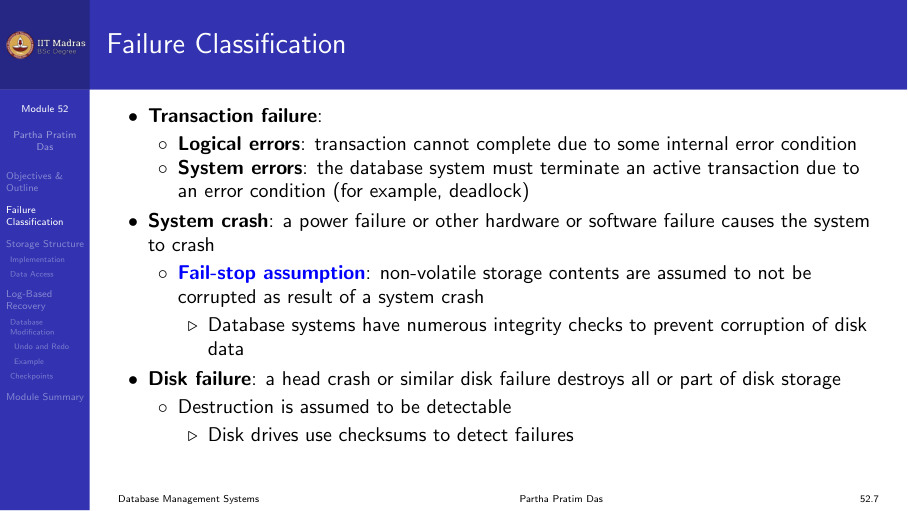
Failures in a database system fall into several categories:
Transaction failure
Two types:
- Logical errors. The transaction cannot complete due to an internal error condition (e.g., division by zero, constraint violation).
- System errors. The database system must terminate the transaction due to an error condition (e.g., deadlock).
System crash
A power failure or other hardware/software failure causes the system to crash. The contents of main memory are lost, but non-volatile storage is preserved.
Disk failure
A disk head crash or similar failure destroys all or part of the contents of the disk. Data may be completely lost.
Database system recovery
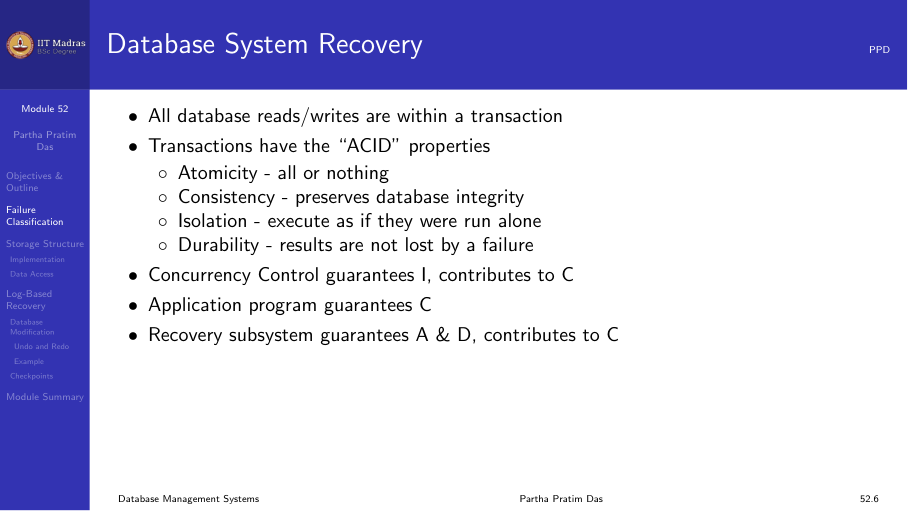
All database reads and writes occur within transactions. Transactions have ACID properties:
- Atomicity. All or nothing.
- Consistency. Preserves database integrity.
- Isolation. Execute as if they were run alone.
- Durability. Committed changes persist.
Recovery algorithms ensure these properties in the face of failures.
Storage structure
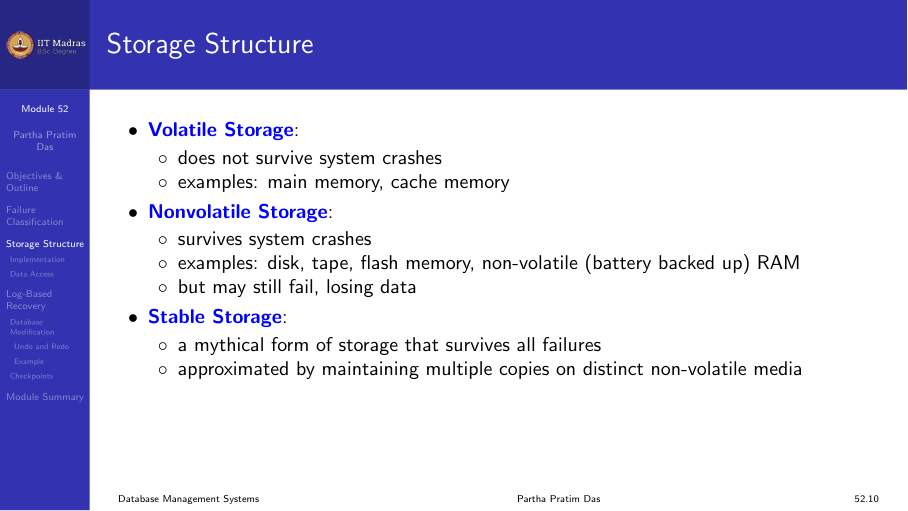
Three levels of storage:
Volatile storage
Does not survive system crashes. Examples: main memory, cache memory.
Non-volatile storage
Survives system crashes. Examples: magnetic disk, SSD, flash storage.
Stable storage
A resilient form of storage that survives all failures except catastrophic disasters (e.g., fire, flood). Implemented by maintaining multiple copies of each block on separate disks, possibly at remote sites.
Stable storage implementation
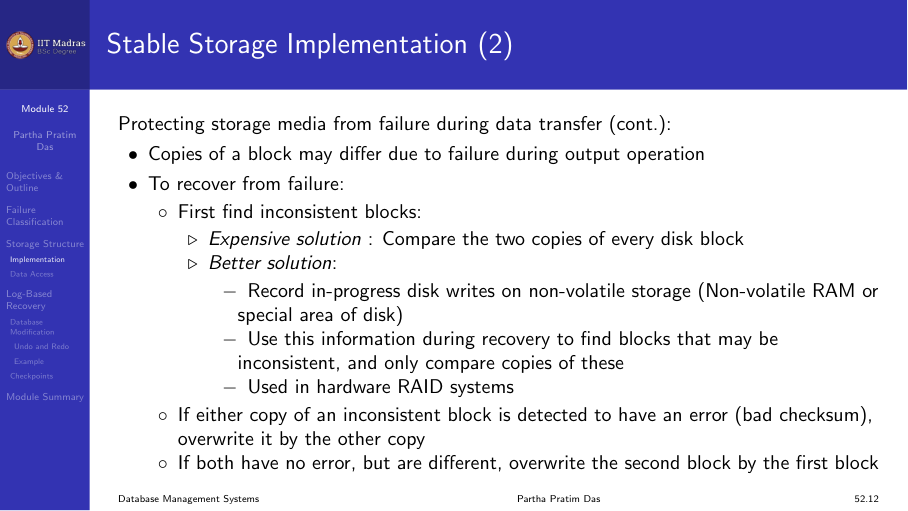
To protect against failures during data transfer:
- Maintain multiple copies of each block on multiple disks.
- After a failure, check for inconsistent blocks (where copies differ).
- Recover inconsistent blocks by copying from a consistent copy.
This approach provides very high reliability, though it does not protect against catastrophic disasters.
Data access
Physical blocks reside on disk. System buffer blocks reside temporarily in main memory.
Two operations move blocks between disk and memory:
- input(B). Transfers physical block B to main memory.
- output(B). Transfers buffer block B to disk.
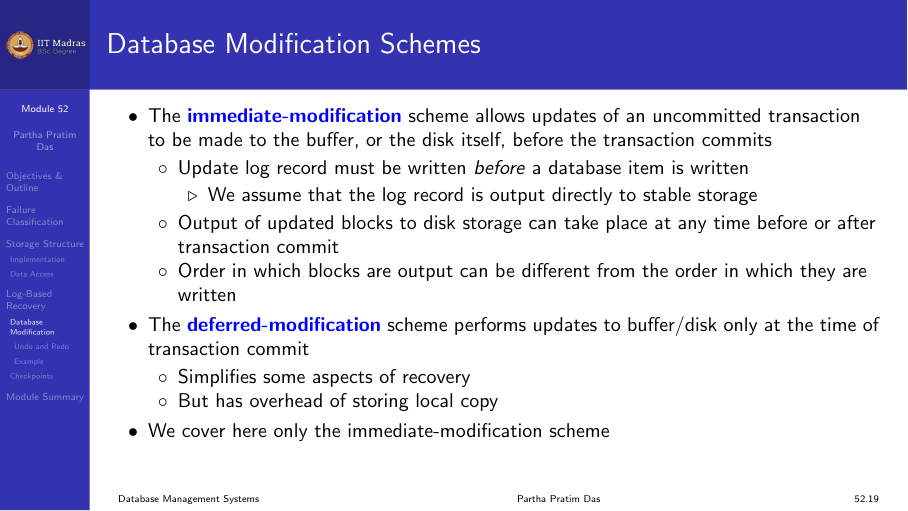
Each transaction Tᵢ has a private work area with local copies of data items it accesses. Local copy of data item X is denoted by xᵢ. Bx denotes the block containing X.
Transfer between buffer and work area:
- read(X). Assigns X to xᵢ after performing input(Bx) if necessary.
- write(X). Assigns xᵢ to X after performing output(Bx) if necessary.
Recovery and atomicity
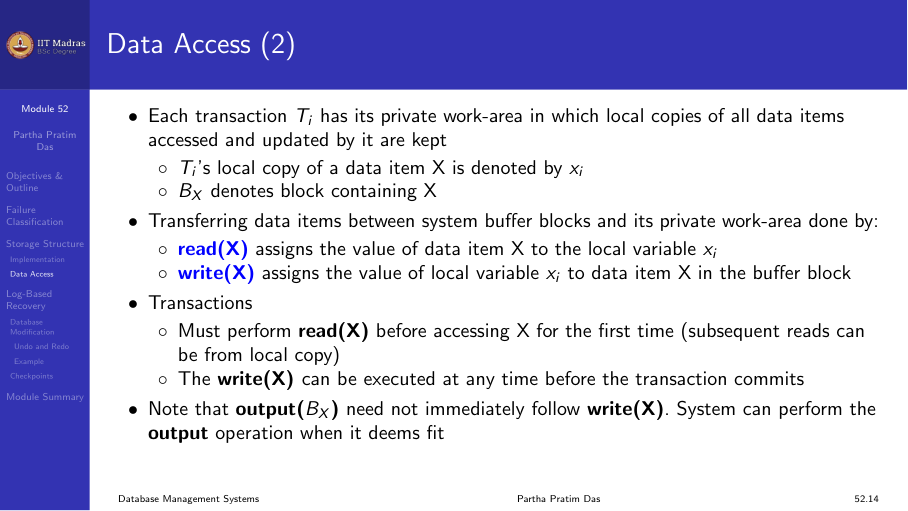
To ensure atomicity despite failures, we first output information describing the modifications to stable storage without modifying the database itself. This information is recorded in a log.
If a failure occurs, the log is used to undo incomplete transactions and redo committed ones.
Log-based recovery
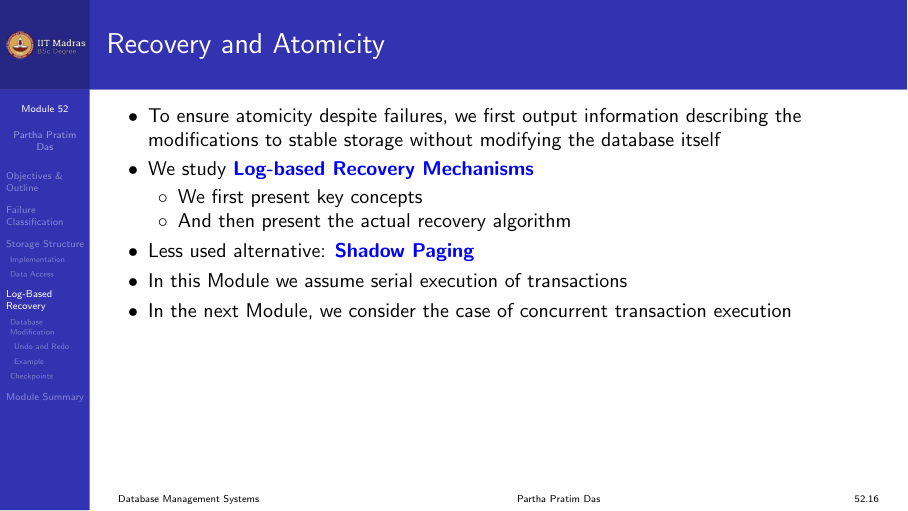
A log is kept on stable storage. The log is a sequence of log records that maintains information about update activities on the database.
When transaction Tᵢ starts, it registers by writing <Tᵢ start> to the log.
Before Tᵢ executes write(X), a log record <Tᵢ, X, V₁, V₂> is written, where V₁ is the old value of X and V₂ is the new value.
Database modification schemes
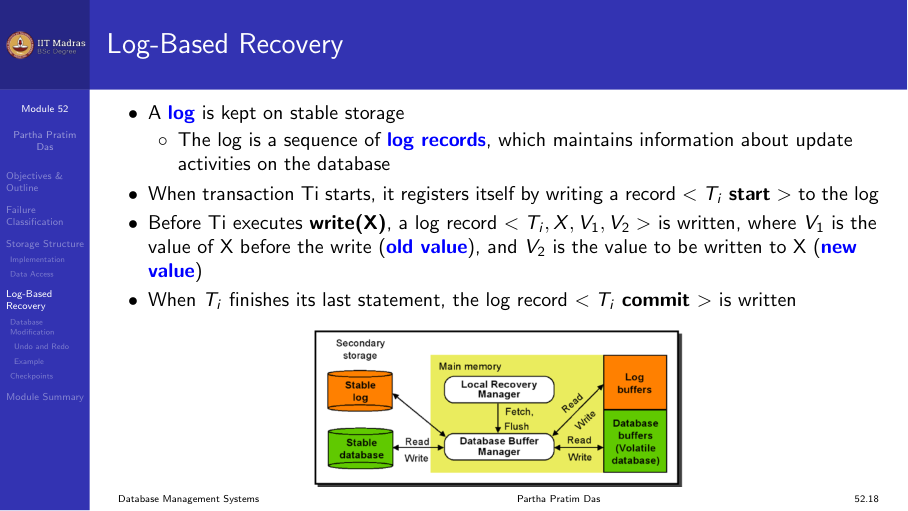
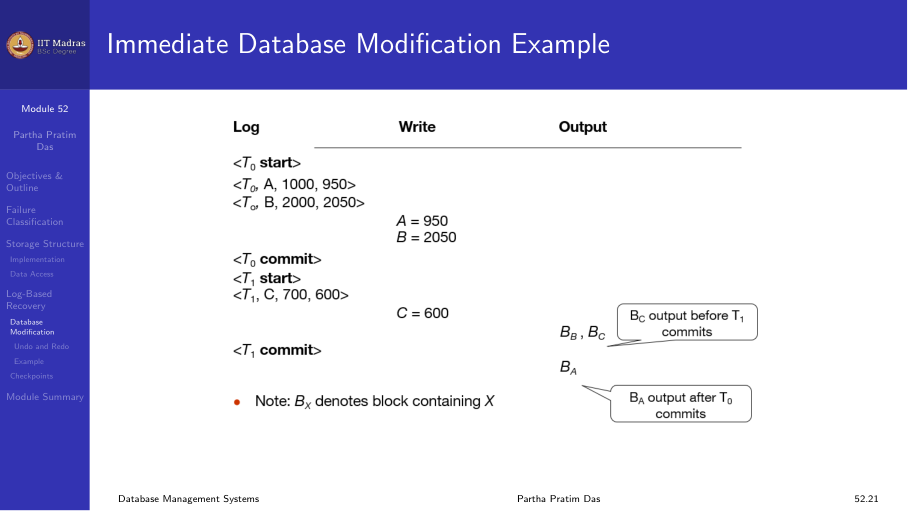
Immediate-modification scheme. Allows updates of an uncommitted transaction to be made to the buffer or disk before the transaction commits. The update log record must be written before the database item is written (write-ahead logging).
Output of updated blocks to disk can happen at any time before or after commit.
Transaction commit
A transaction is said to have committed when its commit log record <Tᵢ commit> is output to stable storage. All previous log records of the transaction must have been output already.
Writes performed by a transaction may still be in the buffer when the transaction commits, and may be output later.
Example
<T₁ start>
<T₁, A, 1000, 950>    A goes from 1000 to 950
<T₁, B, 2000, 2050>   B goes from 2000 to 2050
<T₁ commit>
If a crash occurs after writing the log but before outputting A=950 to disk, the log record ensures the change can be redone during recovery.
Undo and redo operations
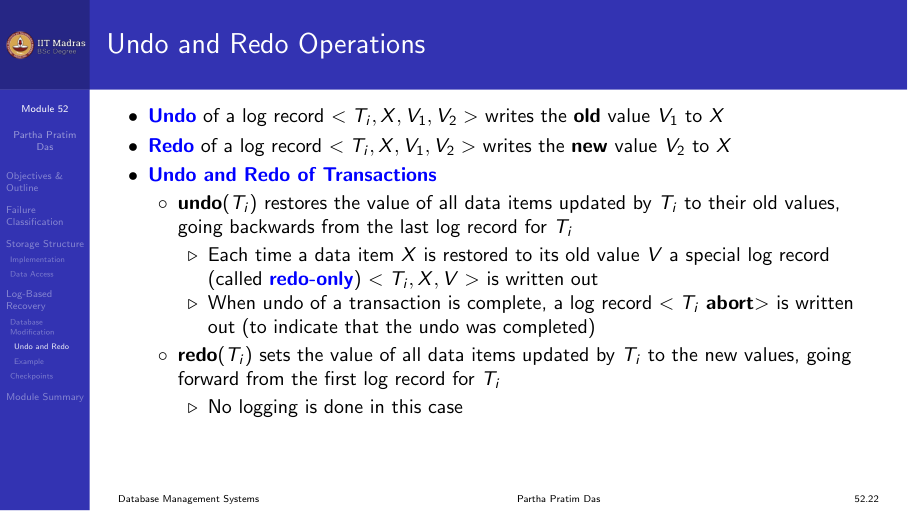
- Undo of a log record
<Tᵢ, X, V₁, V₂>writes the old value V₁ to X. - Redo of a log record
<Tᵢ, X, V₁, V₂>writes the new value V₂ to X.
Undo of transactions
undo(Tᵢ) restores all data items updated by Tᵢ to their old values, scanning backwards from the last log record of Tᵢ.
Use cases
- Undo is used for transaction rollback during normal operation (e.g., if a transaction cannot complete due to a logical error).
- Both undo and redo are used during recovery from failure.
- Recovery algorithms must handle the case where another failure occurs during recovery.
Undo on normal transaction rollback
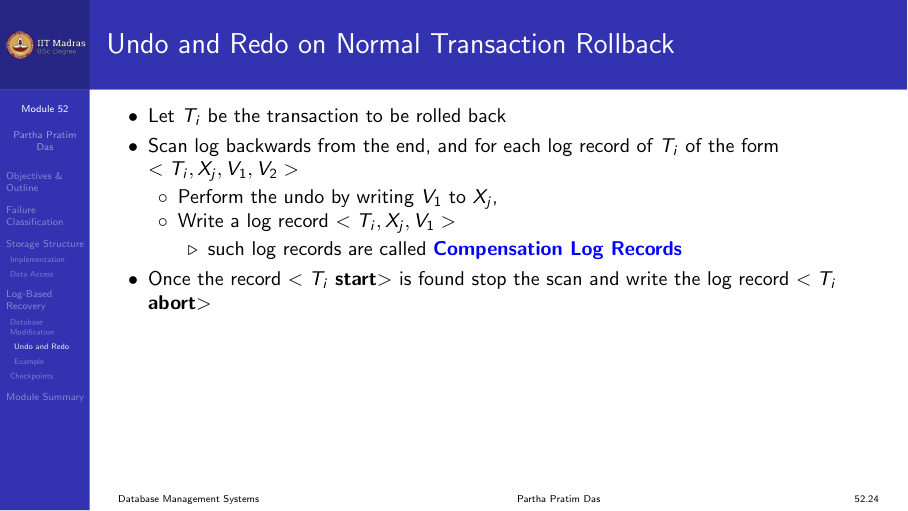
- Scan log backwards from the end.
- For each log record of Tᵢ of the form
<Tᵢ, Xⱼ, V₁, V₂>:- Perform undo by writing V₁ to Xⱼ.
- Write a log record
<Tᵢ, Xⱼ, V₁>(compensation log record).
Undo and redo on recovery from failure
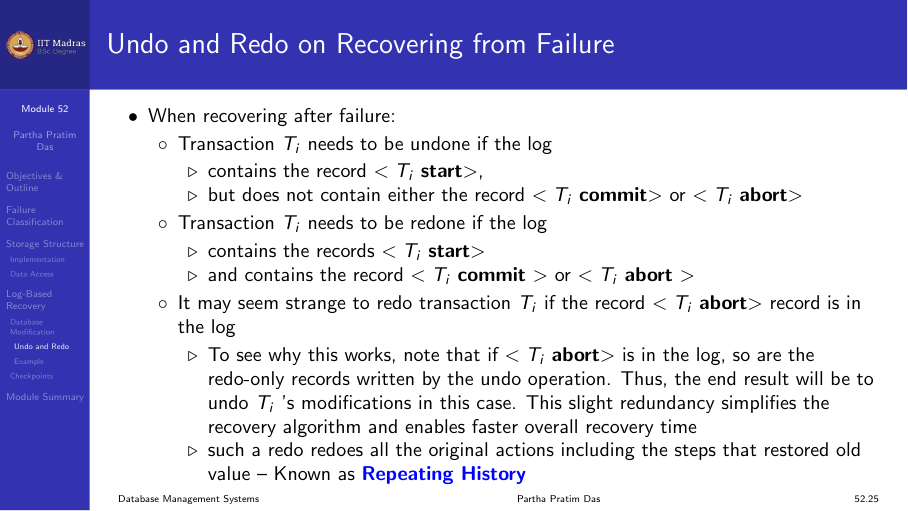
When recovering after a failure:
- Transaction Tᵢ needs to be undone if the log contains
<Tᵢ start>but does NOT contain<Tᵢ commit>or<Tᵢ abort>. - Transaction Tⱼ needs to be redone if the log contains both
<Tⱼ start>and<Tⱼ commit>(or<Tⱼ abort>).
Summary
- Failures include transaction failures, system crashes, and disk failures.
- Three storage levels: volatile, non-volatile, and stable.
- The log records all updates before they are applied to the database.
- Undo reverses uncommitted changes; redo replays committed changes.
- Recovery uses the log to determine which transactions to undo or redo.